
Add Hold Cat to your climbing app
Let climbers view routes and set them by tapping holds inside your app. Turn wall photos into interactive route maps and keep managing member accounts and ascent logs in your app.
What your gym and climbers get
Clearer route maps
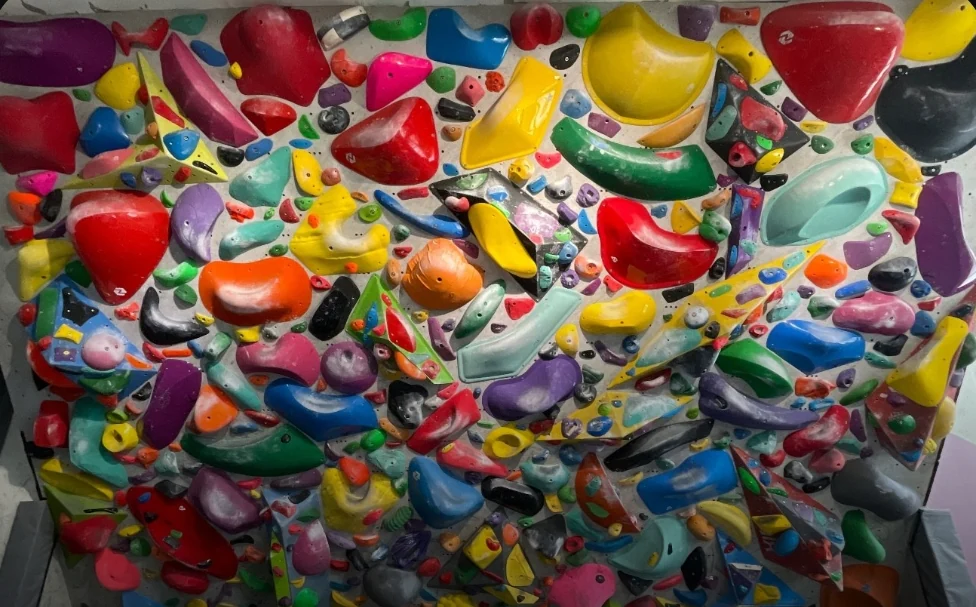
Hold outlines show exactly which holds belong to a route, even on a dense spray wall.
Update the photo after a reset
Staff upload a new wall photo and the browser detects the holds. Once staff review and publish it, climbers can use the new interactive wall.
Keep your membership system
Your app manages members, ascent logs and comments. Hold Cat provides the wall photos, holds and route views.
Same route, two ways to mark it
Drag across this demo route on the T-UP Nangang Spray Wall to compare circles with hold outlines.
Pick a small hold on a volume
This one volume at T-UP Nangang has seven holds. A circle can cover neighboring holds too. Hold Cat zooms in so you can confirm the hold you tapped or the whole volume, or tap another hold directly.
Hand the integration to your AI agent
If you can modify your climbing app or website, paste the prompt below into the AI agent you already use. It will ask where your app code, admin tools and test environment are before wiring up route viewing and setting.
This integration uses public walls. Wall photos and routes are shared publicly when published.
Please read https://github.com/climb-io/climbio/blob/main/docs/gym-onboarding.md first and follow its process to integrate Climbio into our gym. At the start, ask me in one list for all the details you need instead of asking several times; if I cannot answer something, give me options and a recommendation instead of making it up.